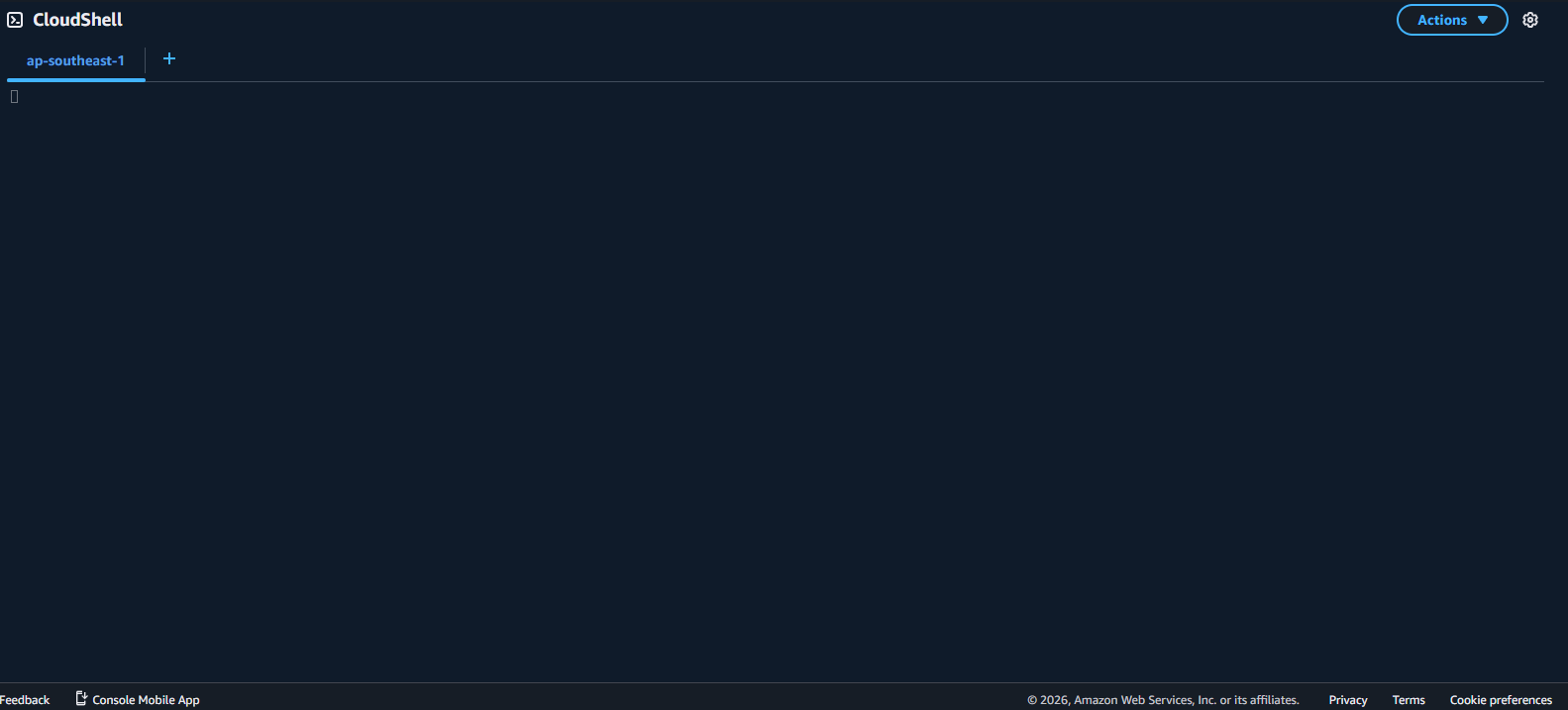
Create a CloudShell Environment
Create a CloudShell Instance
In this step, we will access the CloudShell service console and create a CloudShell instance.
Log in to the AWS Management Console.
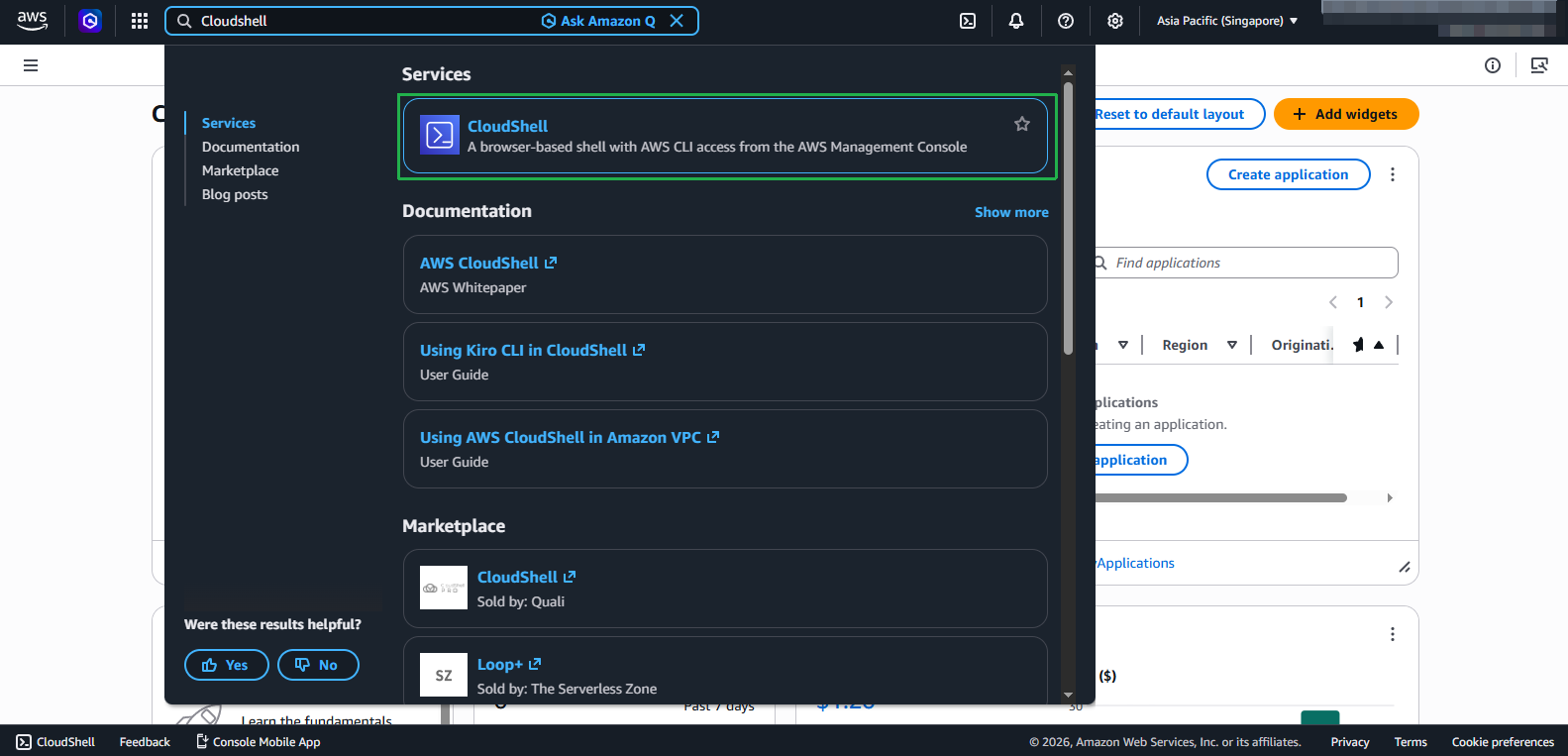
Click on the search bar and type CloudShell.
- Click the CloudShell icon to navigate to the terminal interface.
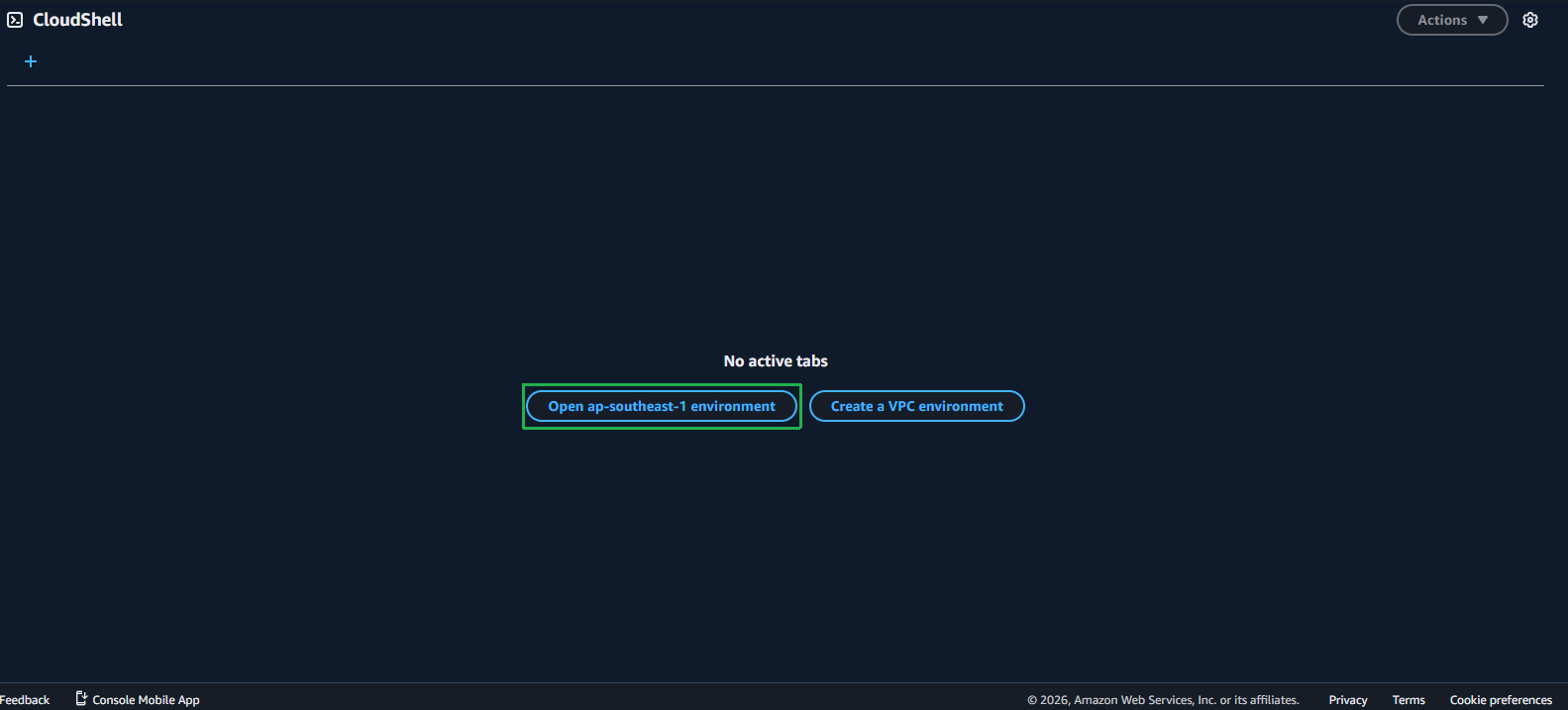
- In the CloudShell interface:
- Click Open us-west-1 environment.
- The CloudShell terminal interface: