Using AWS CLI
Using AWS CLI
The AWS CLI is a tool for managing AWS services. You can control many AWS services from the command line and easily automate AWS operations by creating script files containing multiple commands.
The AWS CLI is pre-installed and pre-configured in CloudShell.
Check the AWS CLI version:
aws --version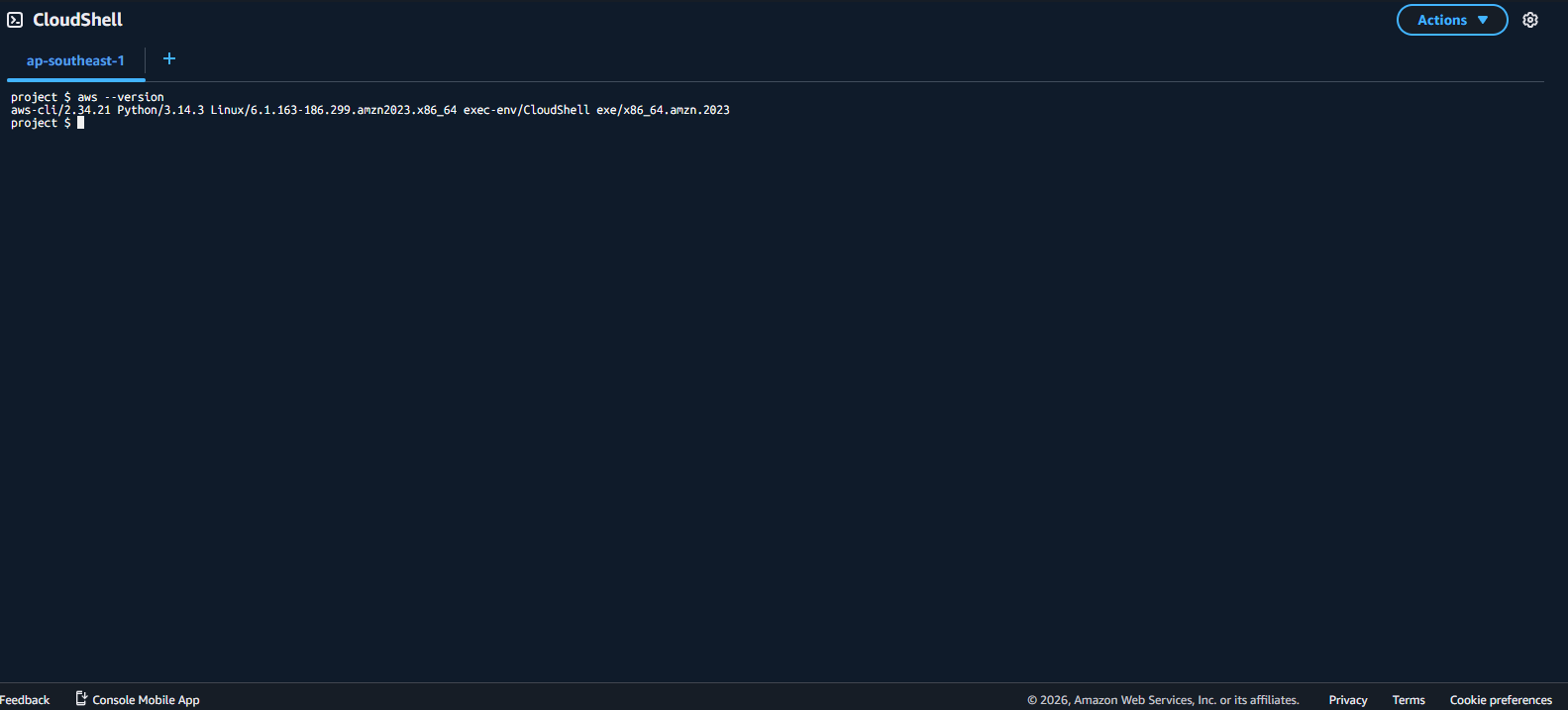
List all S3 buckets in the account:
aws s3 ls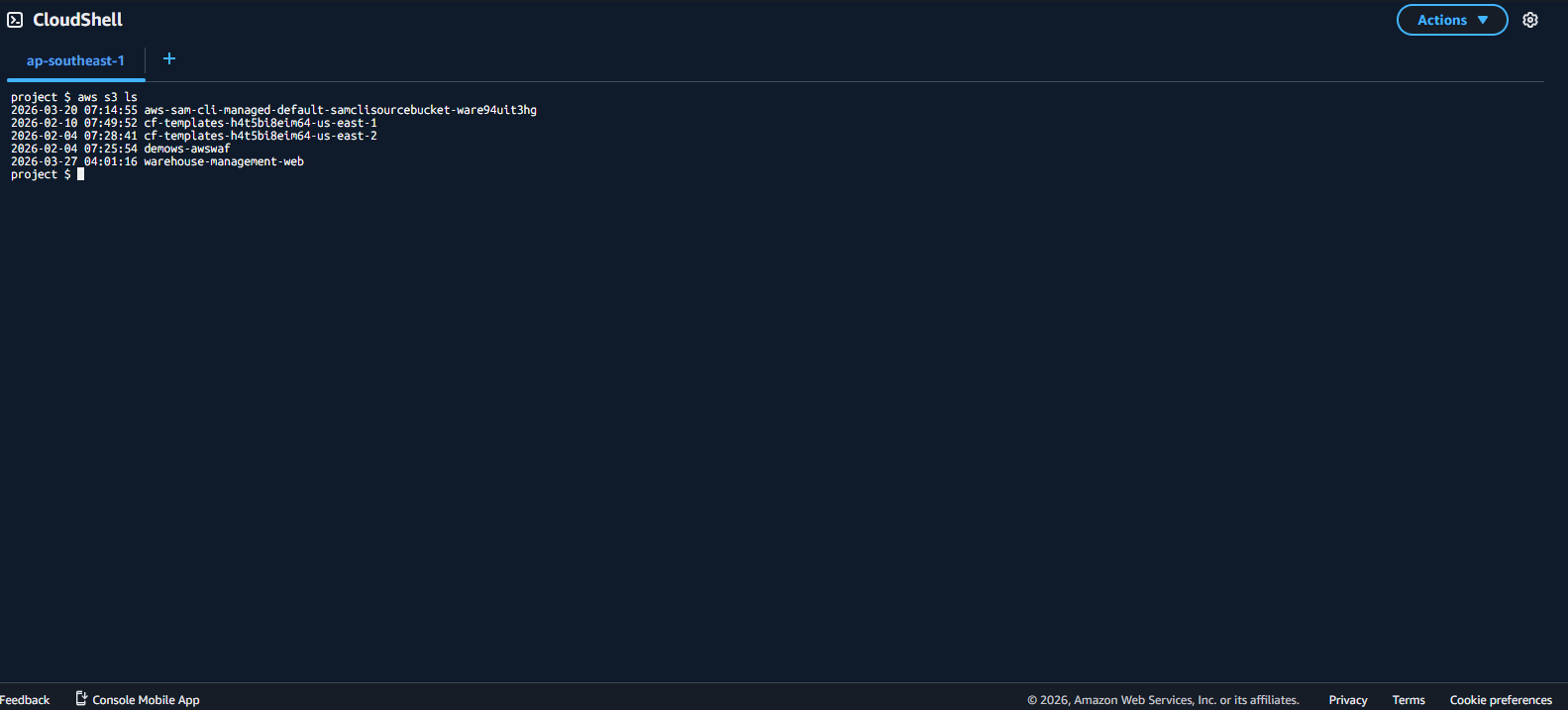
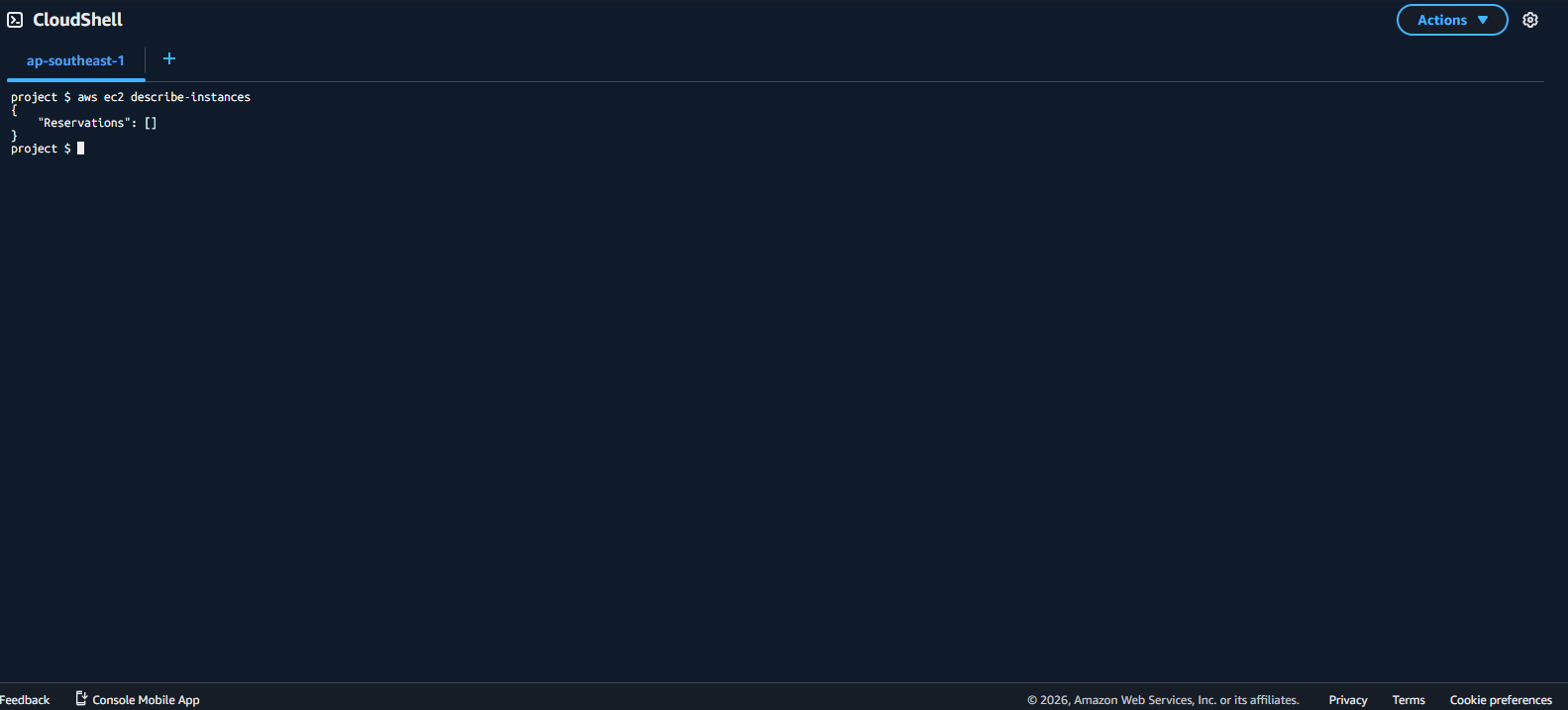
List all EC2 instances in the account:
aws ec2 describe-instances
- Now we will upload a file to CloudShell.
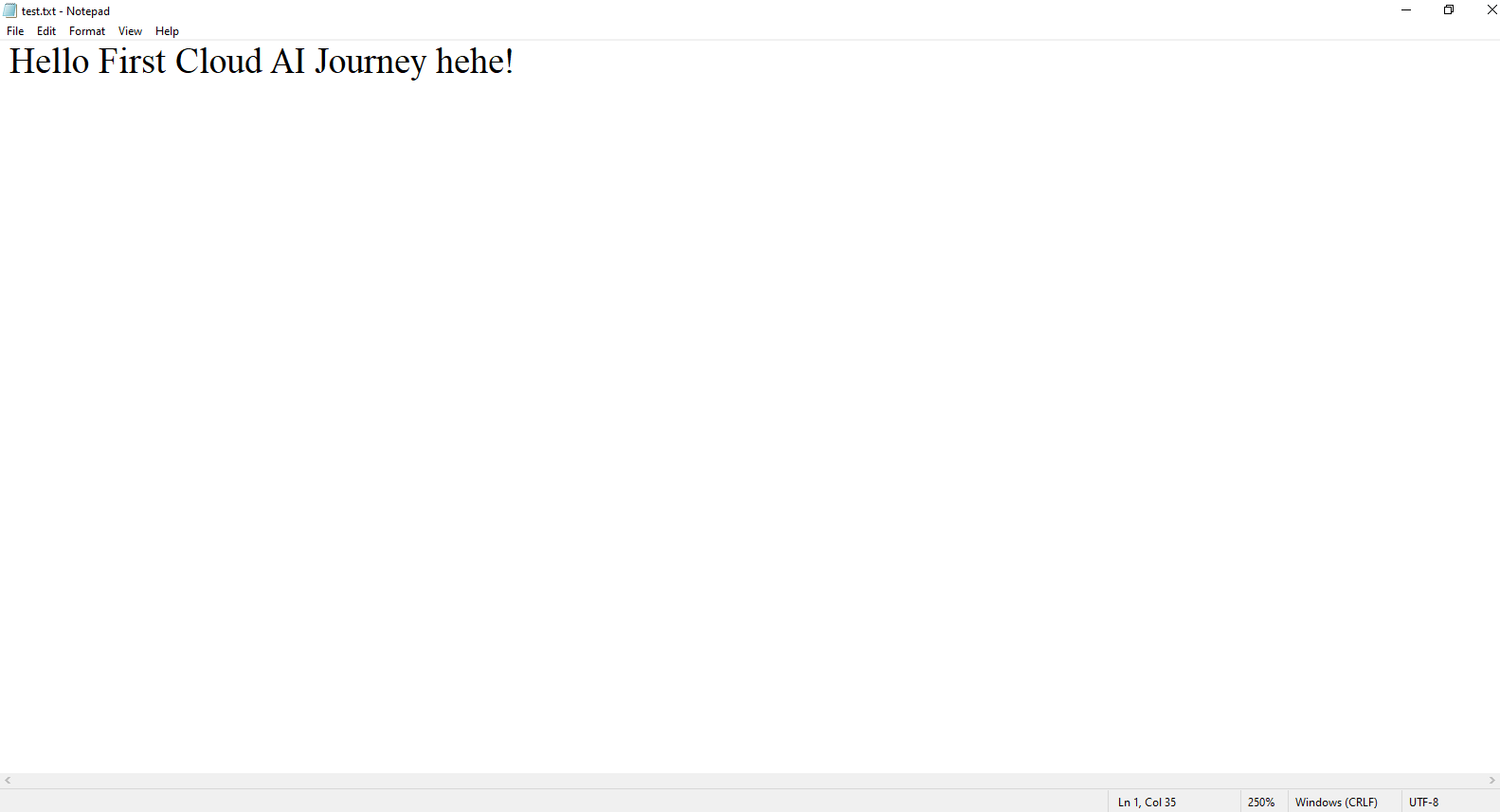
- First, create a file named test.txt and fill in any content you like.
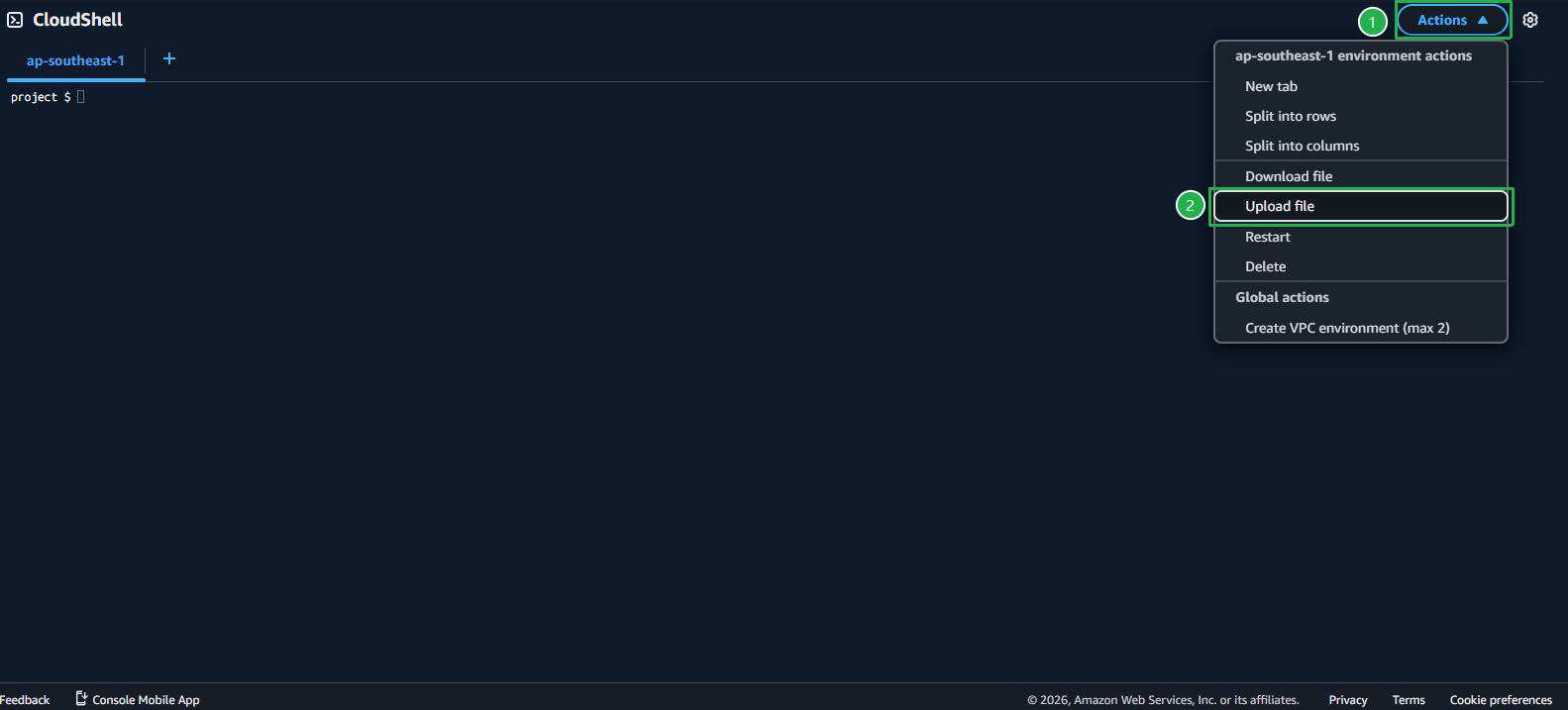
- Next, go to CloudShell, click Action -> Upload file, then select the file you just created.
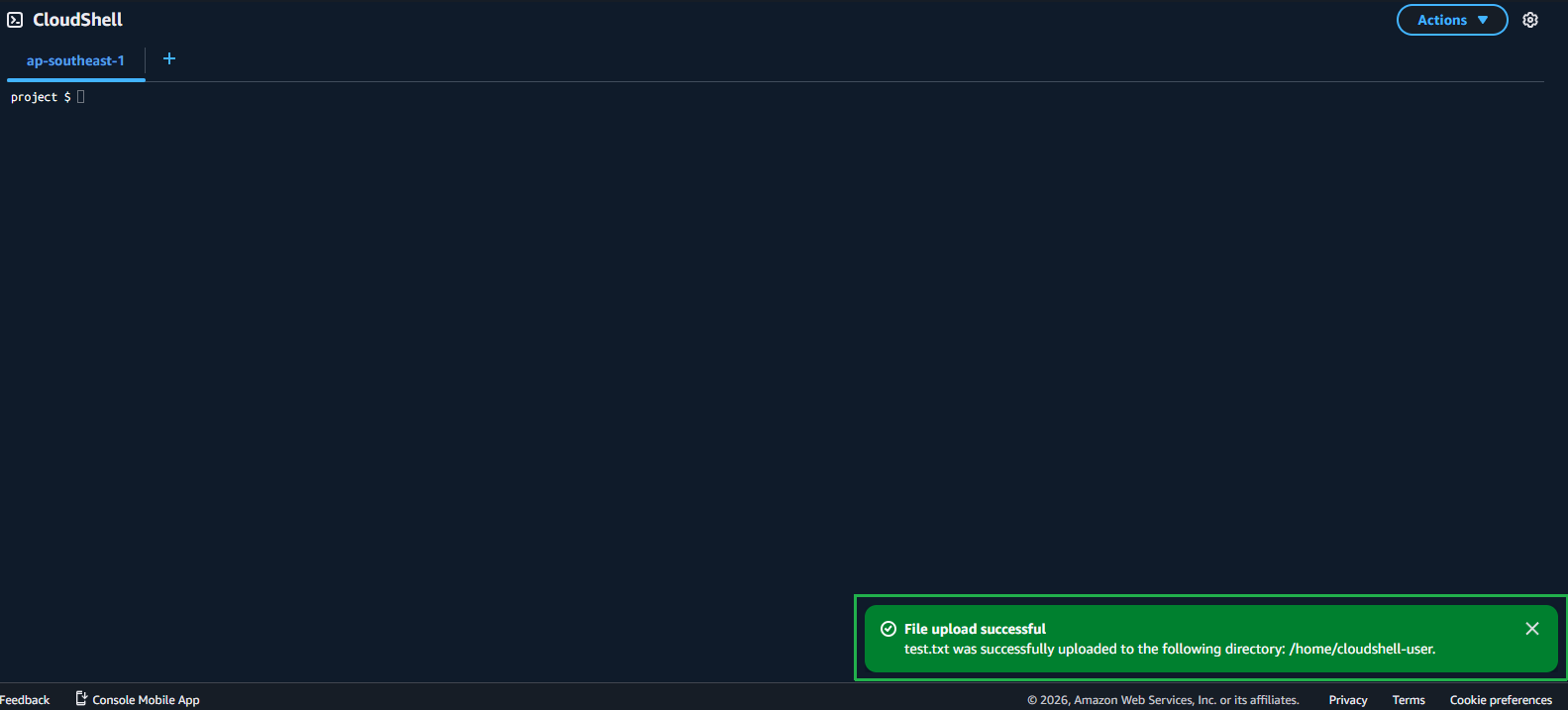
- A notification confirms the file was uploaded successfully.
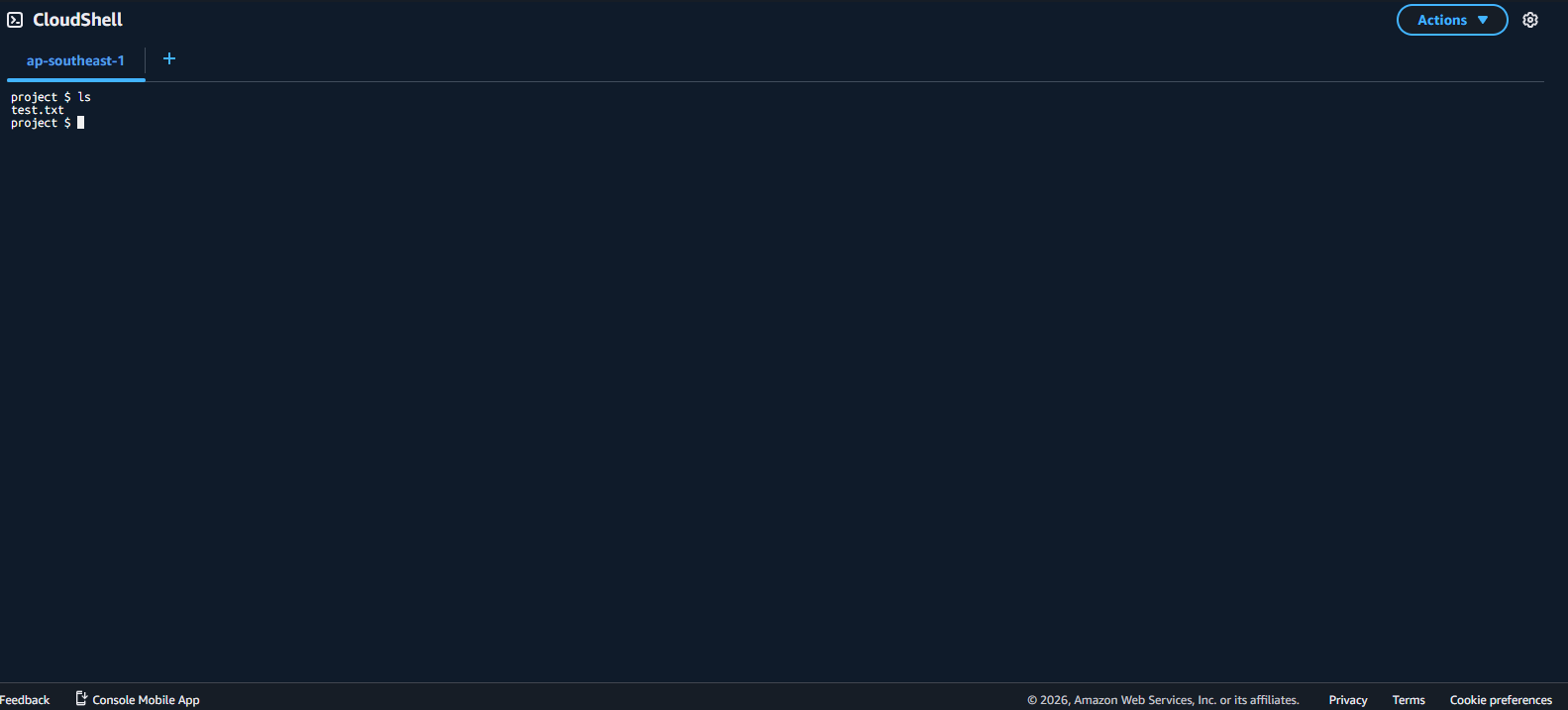
- Enter the
lscommand and you will see the file you just uploaded.
- Enter
cat test.txtto view the content of the uploaded file.
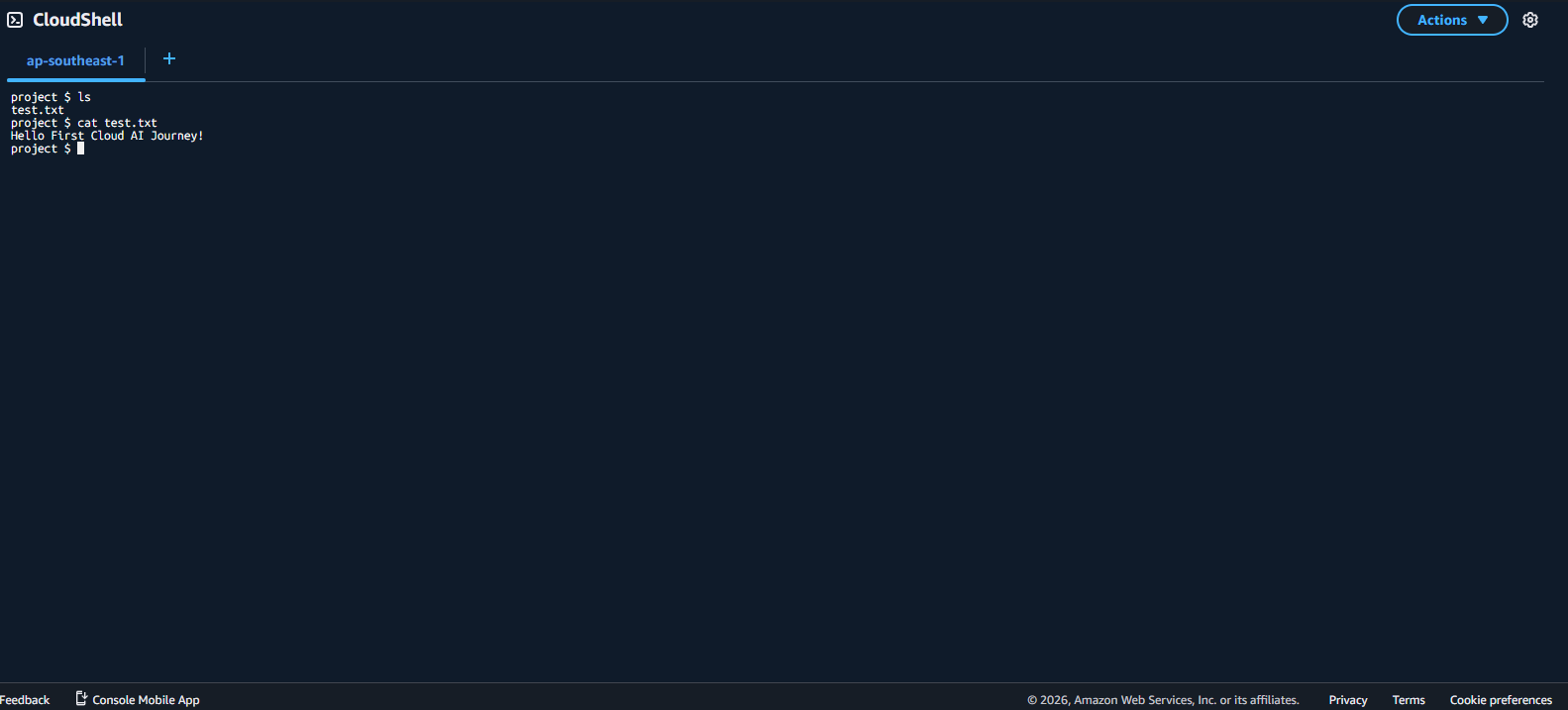
- Next, we will download a file from CloudShell to your local machine.
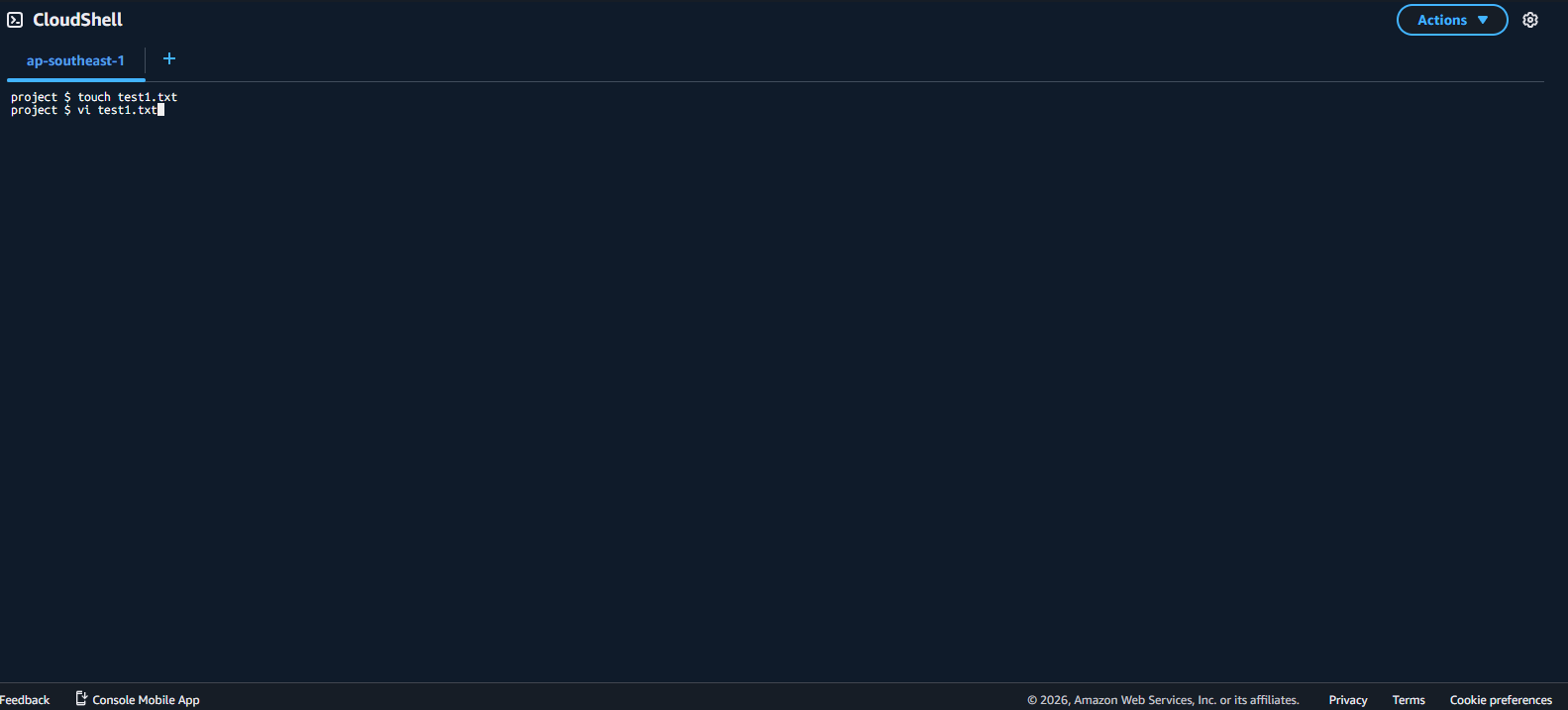
- Create a new file using
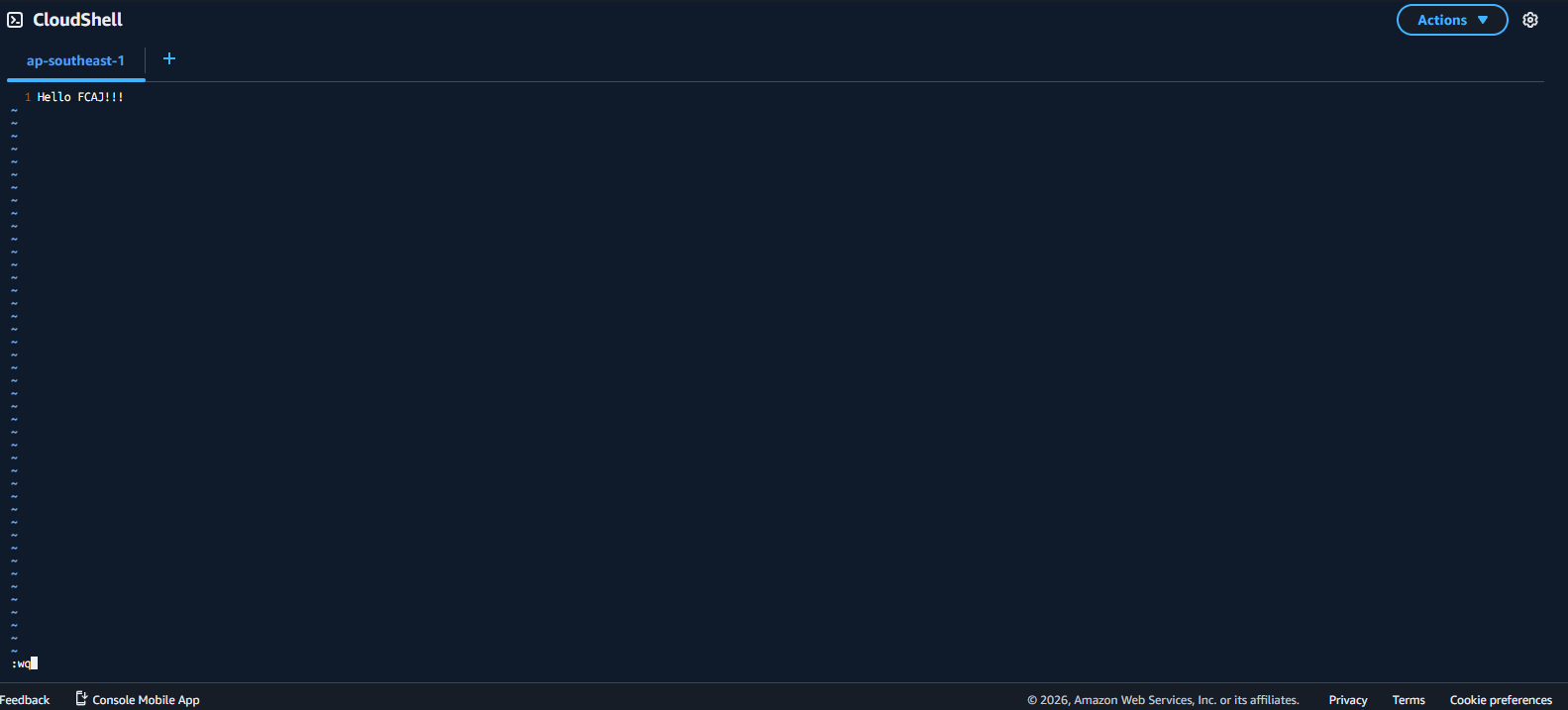
touch test1.txt, then entervi test1.txtto edit the file. - Press
ito begin editing. Type the contentHello FCAJ!. Then press ESC and typewqto save and exit.
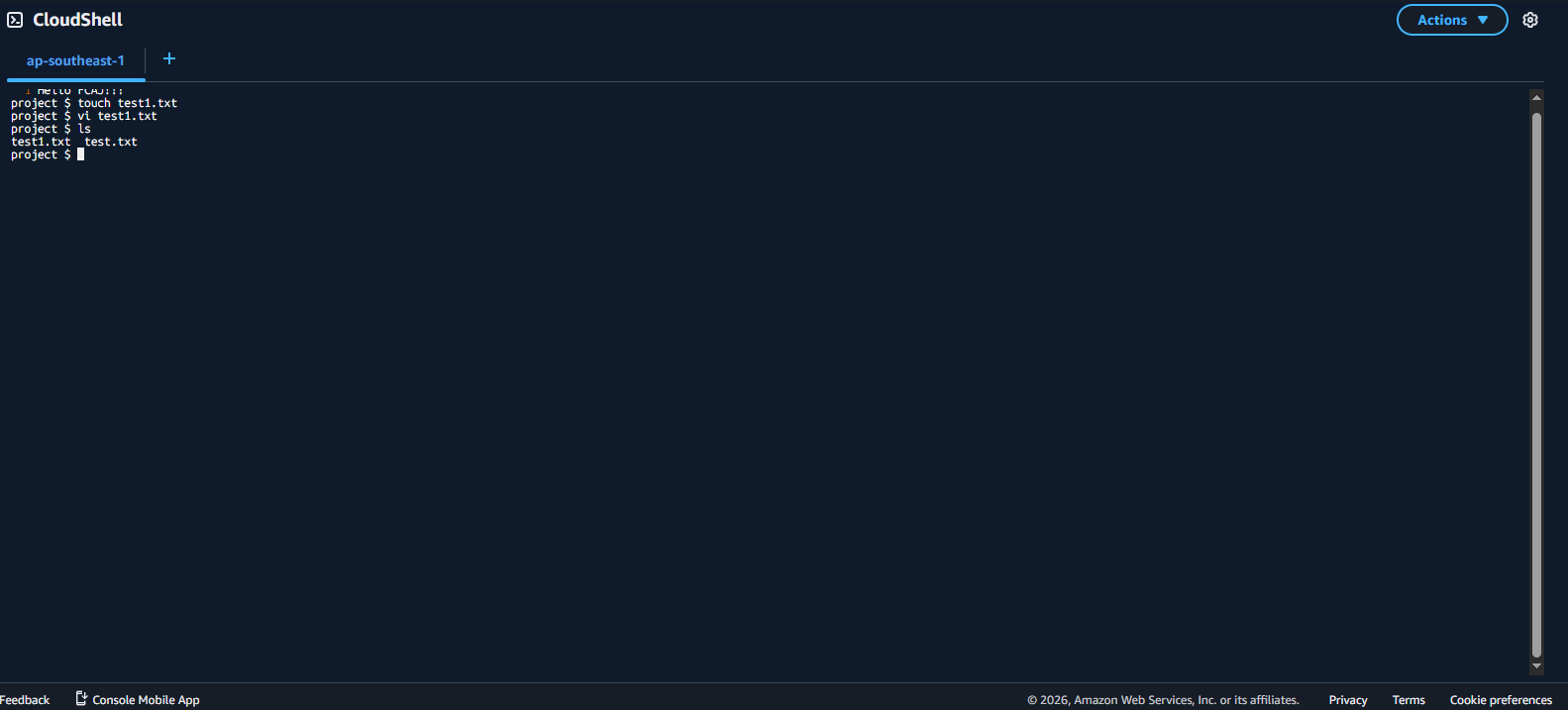
- Type
lsto see the name of the file you just created. Then click Action -> Download file.
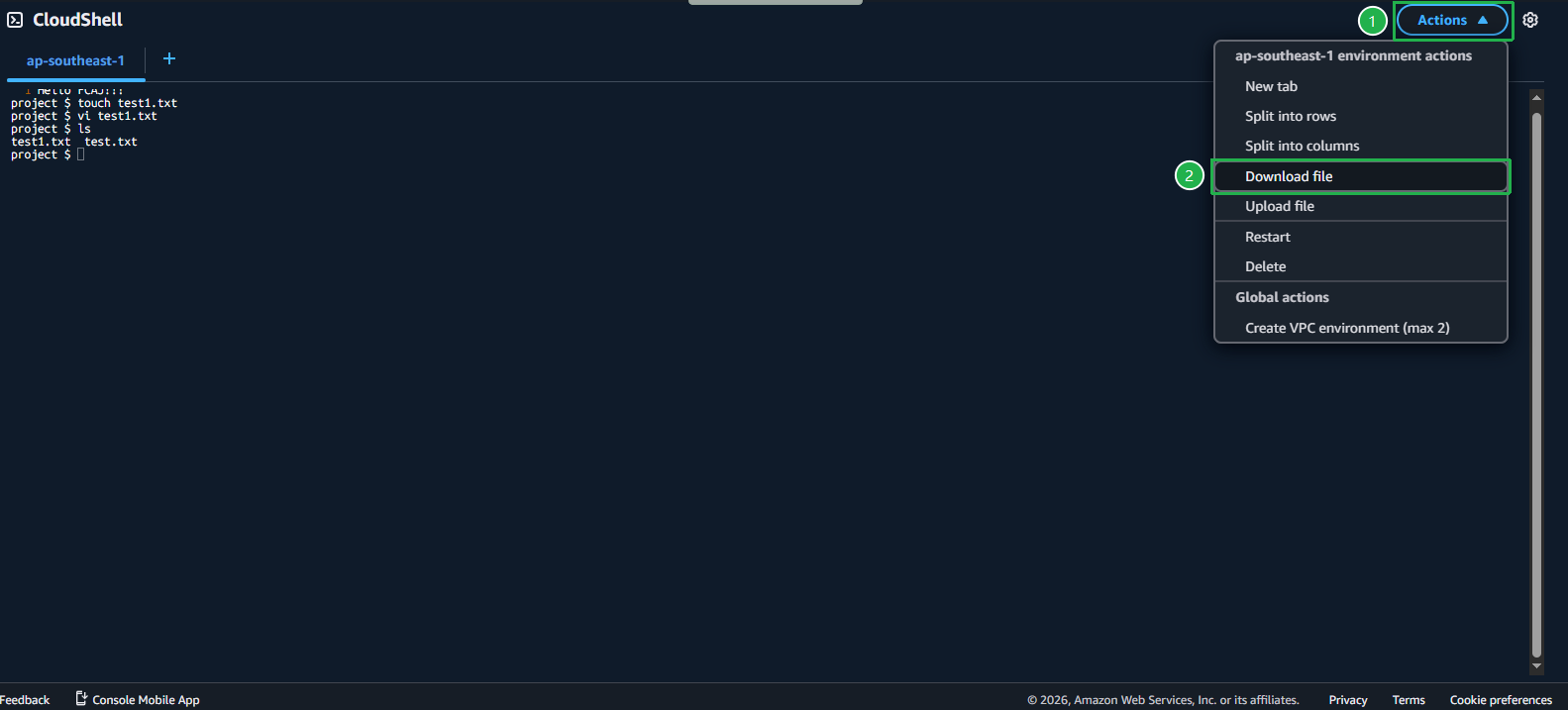
- Enter the name of the file you want to download, click Download, and the file will be saved to your machine.
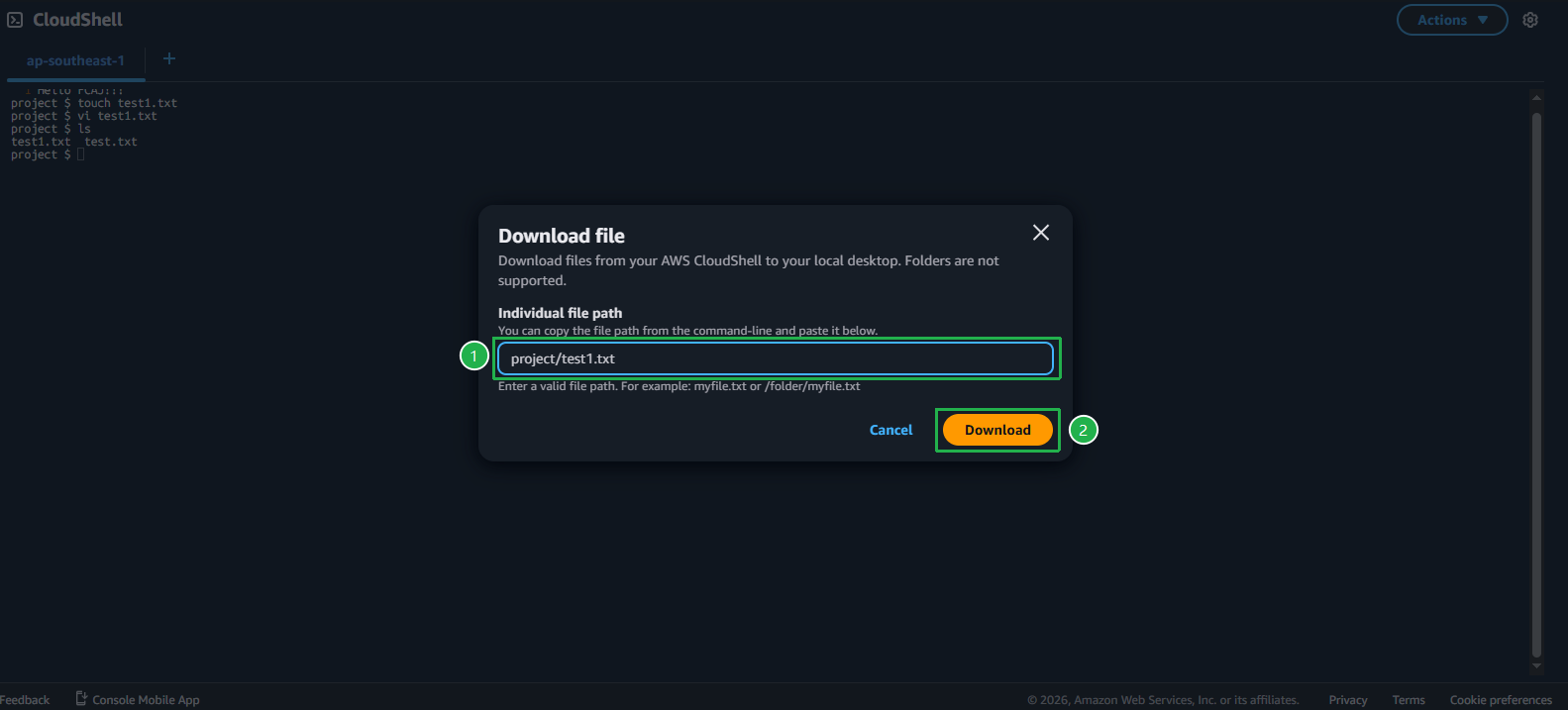
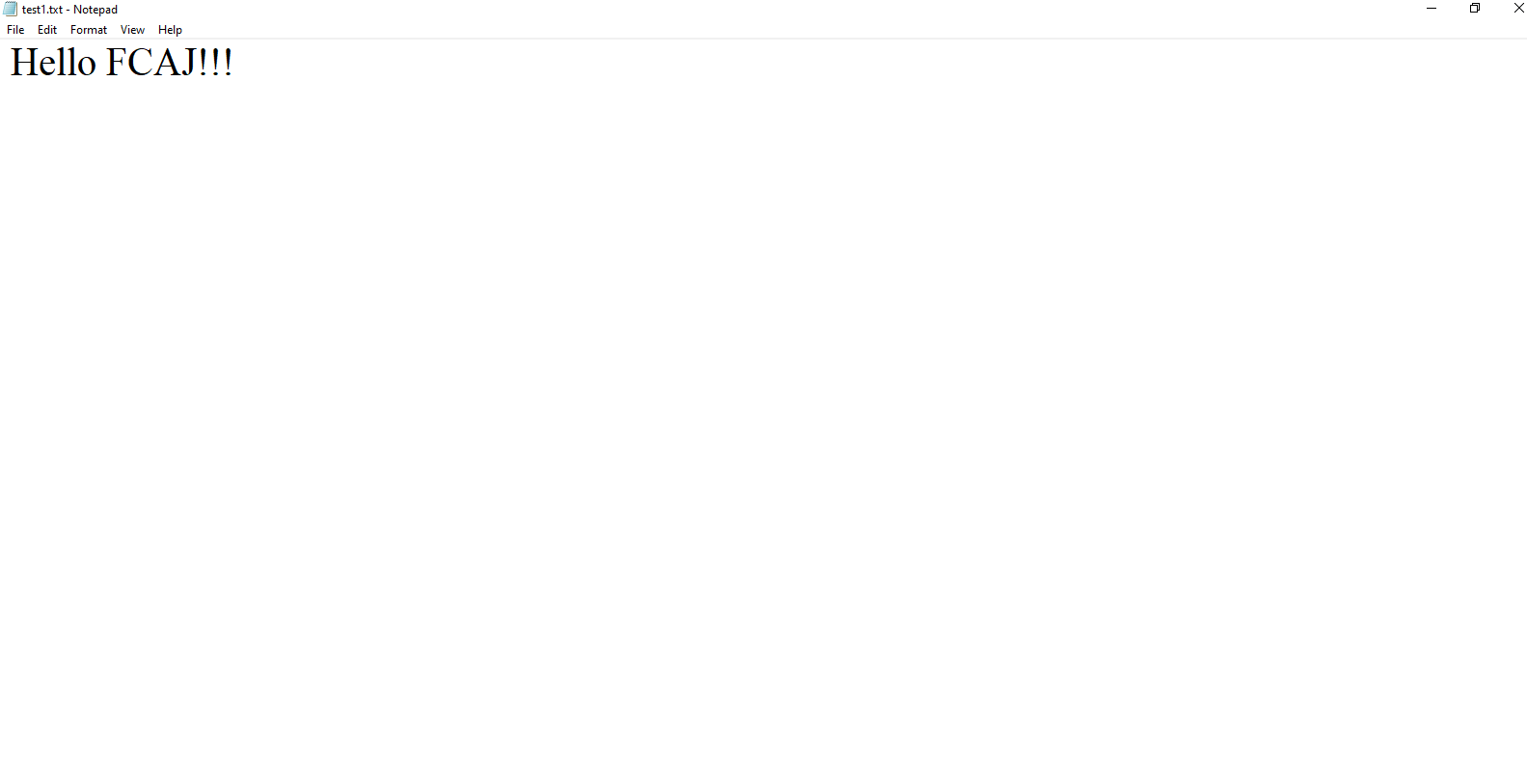
- Open the file on your local machine.